Free Online Store with AI: Step-by-Step Guide 2026
Build a free online store with AI step by step: your store on LearnCan, AI writes the name, descriptions and SEO titles, with ready-to-copy AI prompts.

Opening a store used to require a developer, a designer and a copywriter. Today you can build a free online store with AI in a single evening: the platform gives you the store at no cost, and artificial intelligence helps with the part most beginners find hardest, the writing. In this guide you create your store on LearnCan step by step and get ready-to-copy prompts that write your store name, product descriptions, SEO titles and shipping policy.
What does building an online store with AI mean?
It means using an AI assistant such as ChatGPT, Claude or Gemini to prepare your store’s content quickly: the name, tagline, description, product pages, SEO titles and customer replies. The store itself, with its cart, orders and delivery, comes from a ready-made platform. You stay in charge: you choose the product, review every text and add real photos.
Why combine a free store with AI?
- Almost zero cost: no monthly store subscription and no copywriter to pay at the start.
- A fast launch: what used to take a week of writing becomes an hour of reviewing.
- Clearer copy: AI helps you turn dry specs into benefits customers understand.
- Several languages: you can prepare Arabic and French versions of a description in minutes.
- Time for what matters: choosing products, marketing and customer service.
What can AI write for your store?
These are the fields AI can help you prepare; all of them exist in the LearnCan store:
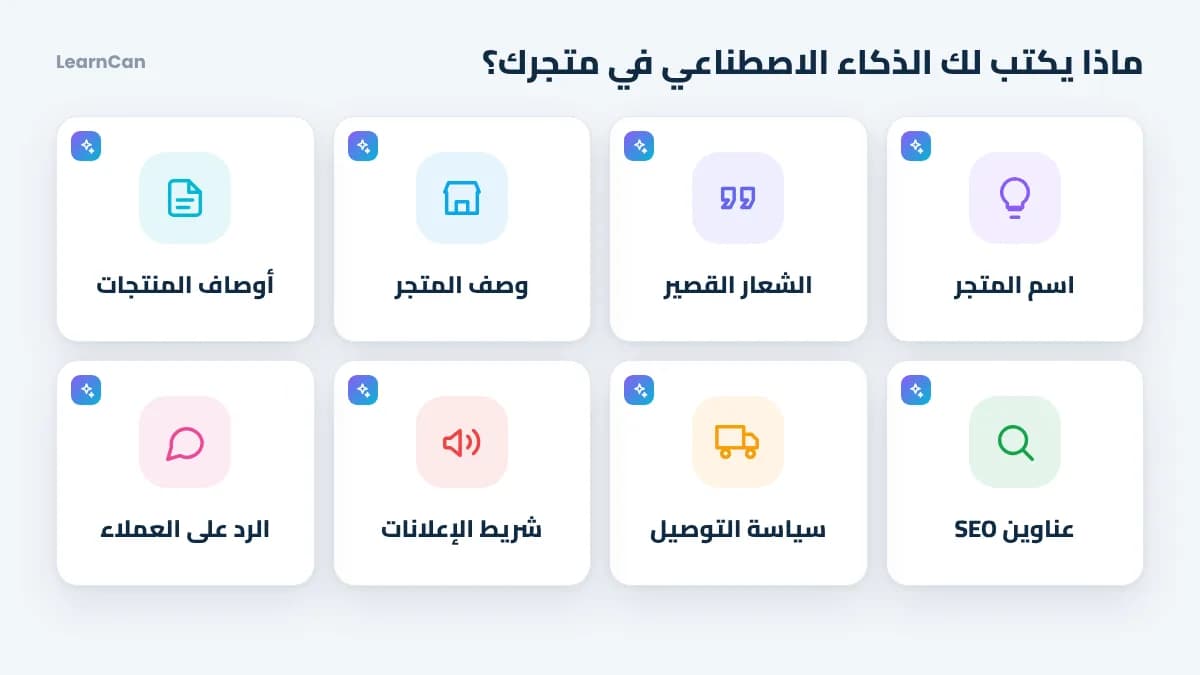
Content | Where it goes | Tip |
|---|---|---|
Store name and short tagline | Store creation form | Ask for 10 ideas and keep the easiest to say |
Store description | Store settings | Who do you serve? What makes you different? |
Product copy and highlights | Each product page | Benefits before specs |
SEO title and description | Product SEO section | The words your customer searches for |
Shipping policy and commitment | Shipping settings | A clear delay and honest return terms |
Announcement bar and coupon | Announcements and offers | A short message and a time-limited offer |
How to build a free online store with AI on LearnCan
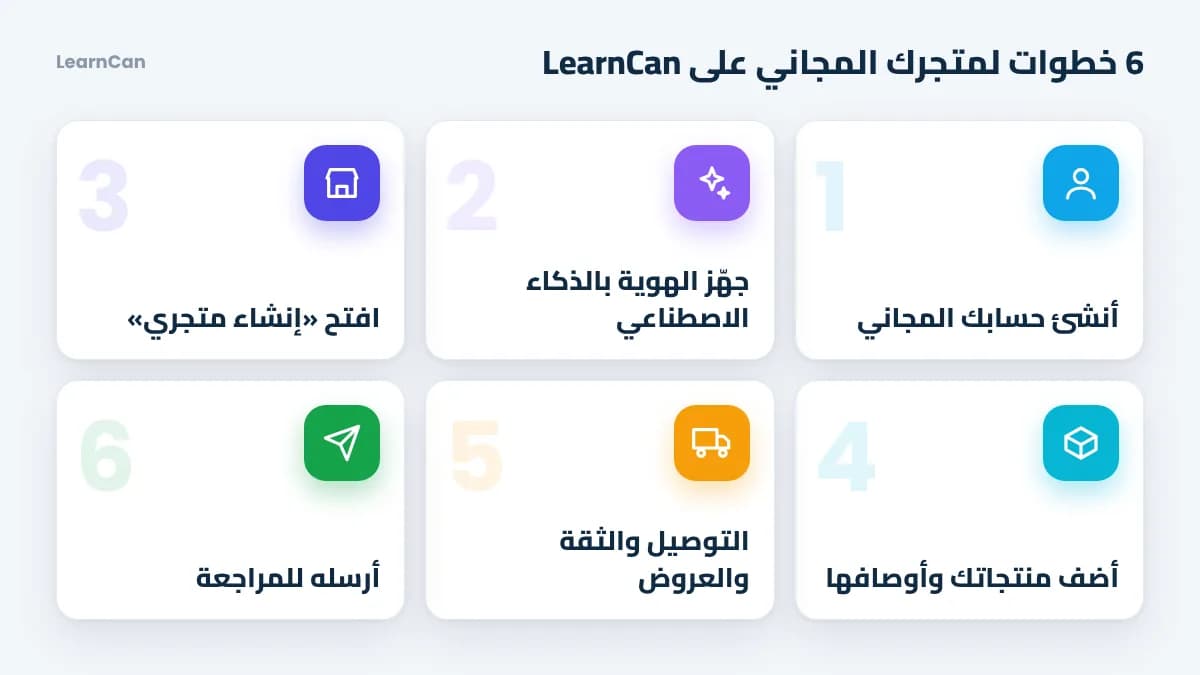
1. Create your free account
If you don’t have an account yet, follow the guide to sign up for LearnCan. Signing up is free and requires no payment method.
2. Prepare your store identity with AI
Before opening the form, ask your AI assistant to suggest a name and a tagline. Copy this prompt and adapt what’s in brackets:
“I sell (type of products) to (your audience) in (your country). Suggest 10 short, easy-to-pronounce online store names, and for each one a tagline of 6 words or fewer that shows the customer benefit.”
3. Open the store creation page
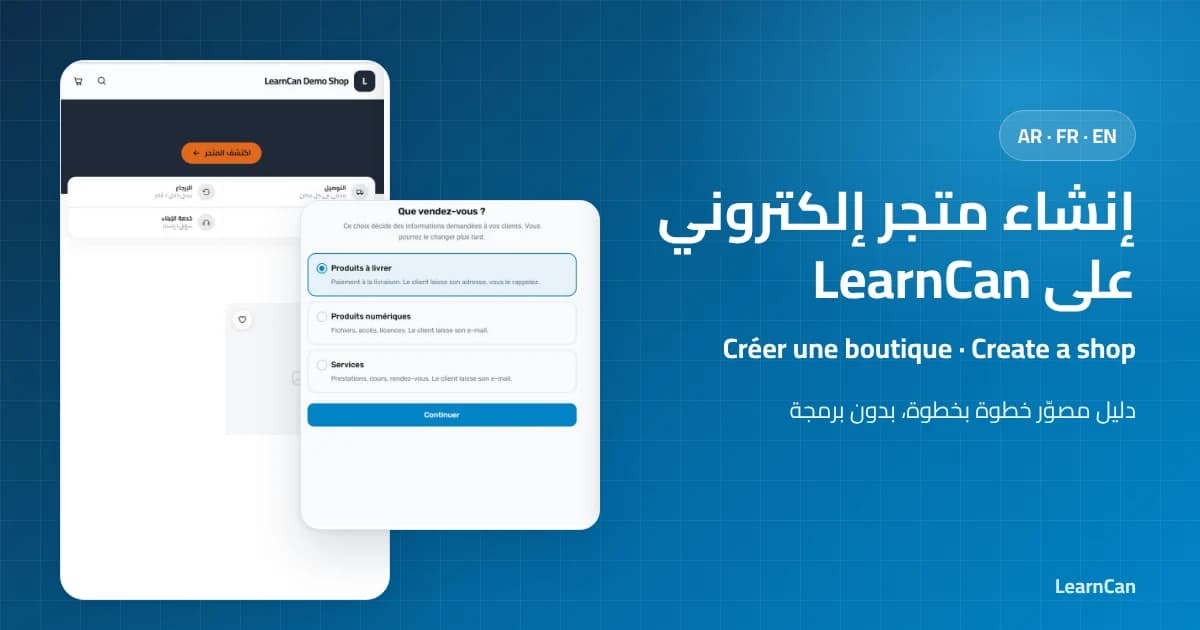
Go to the free online store creation page on LearnCan. In the first step you choose what you sell: products delivered with cash on delivery, digital products or services. Then you write the store name and tagline, add the logo and cover image, and pick the currency and store language. You can change everything later.
4. Add products with AI-written descriptions
For each product, give the tool real information and ask for a convincing description, then paste it into the product page. You’ll find a complete prompt example in the next section. Also add options such as color and size, quantity pricing and limited-time offers if you need them.
5. Complete shipping, trust and offers
Set the shipping price and the free-shipping threshold, write your shipping policy and your commitment to customers, then enable the announcement bar and a coupon code for your first customers. These are short texts AI can phrase for you.
6. Submit your store for review
After creation, your store goes public once the LearnCan administration approves it. Use that time to add the rest of your products and review every text. To see every screen in pictures, read the guide to create an online store on LearnCan.
Ready-to-copy prompts for your store
The quality of the result depends on the quality of the prompt. Always give real information: the product, the audience, the price and what makes you different. Here are proven prompts:
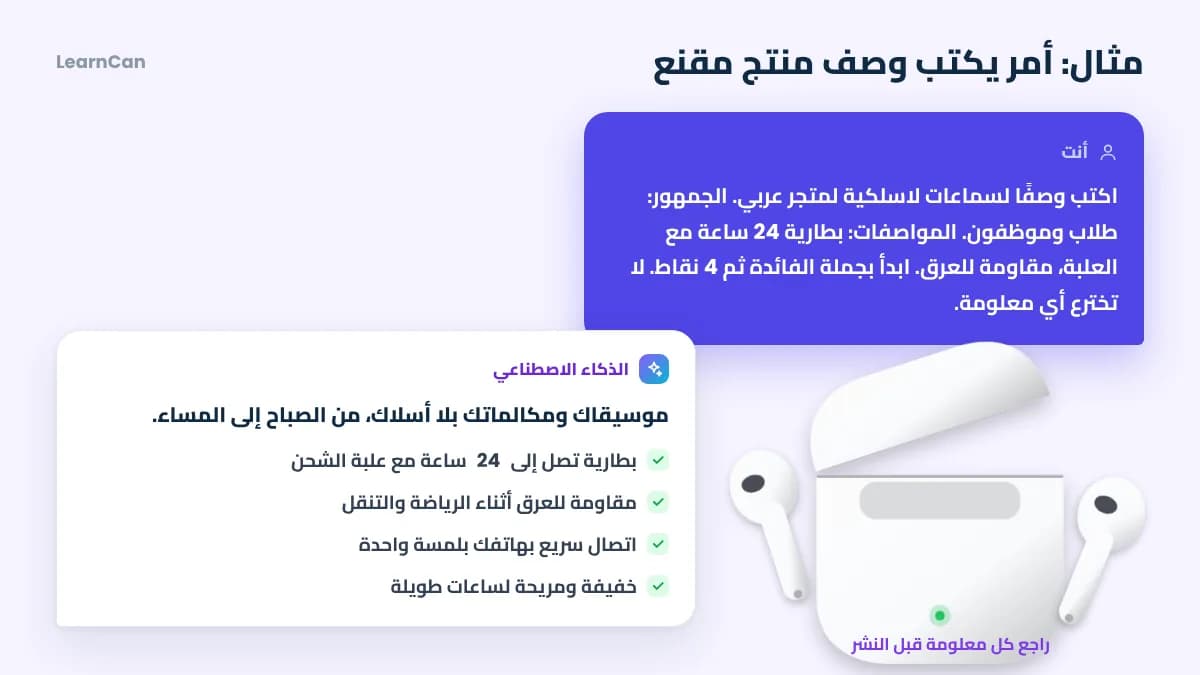
- Product description: “Write a description of (product name) for an online store. Audience: (who?). Real specs: (list them). Start with one sentence that sums up the benefit, then 4 short benefit points, then a paragraph about how to use it. Don’t invent any information.”
- SEO title and description: “Suggest an SEO title under 60 characters and a description of 140 to 160 characters for the (product name) page, including the phrase (keyword) naturally.”
- Shipping policy: “Write a clear 5-line shipping policy: delivery time (time), price (amount), free shipping over (amount), cash on delivery and return conditions (conditions).”
- Announcement bar: “Suggest 5 very short messages for the announcement bar of a store selling (products), each under 8 words.”
- Customer reply: “Write a friendly, short reply to a customer asking (question), with an invitation to confirm the order.”
What you should always review yourself
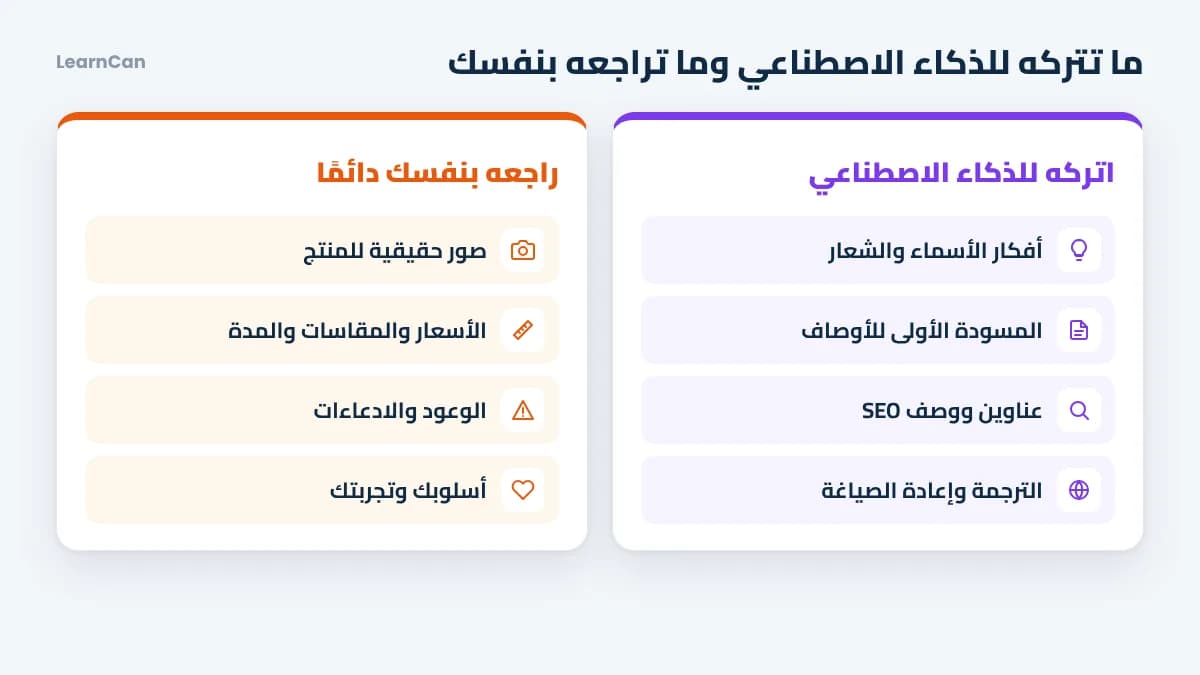
AI is an excellent assistant, but it can be wrong or exaggerate. In its guidance about AI-generated content, Google says what matters is the quality and usefulness of the content for the reader, not how it was produced. So:
- Photos: use real photos of your product. A generated image that suggests a different product means returns and lost trust.
- Numbers and specs: check sizes, ingredients, prices and delivery time word for word.
- Claims: remove any medical promise, guaranteed result or comparison with another brand.
- Tone: read the text out loud; if it doesn’t sound like the way you talk to customers, adjust it.
- Your difference: add your personal experience with the product; no software can write that for you.
To go further, Google’s guide to helpful, reliable, people-first content explains what makes a page worth showing in search results.
Checklist before launch
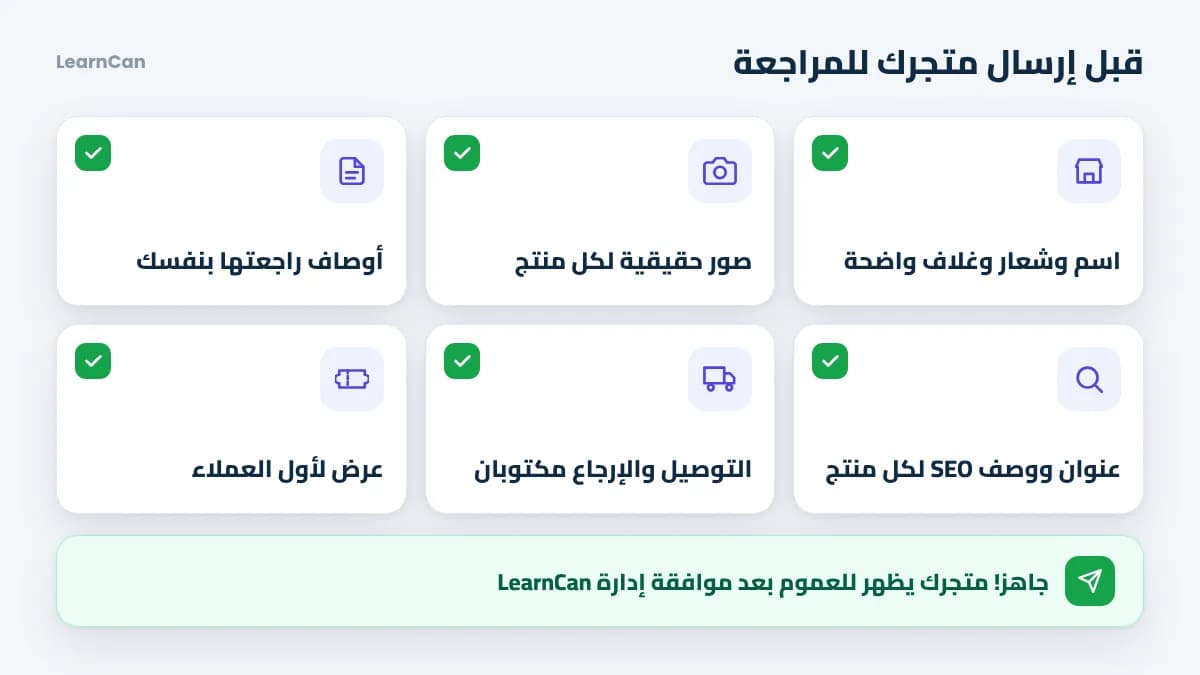
- A short, clear name and tagline, plus a good-quality cover and logo.
- Every product with real photos and a description you reviewed.
- An SEO title and description for every product.
- Shipping price and return policy clearly written.
- A way to confirm orders by phone or message.
- An offer or coupon for your first customers.
Common mistakes when using AI for your store
- Pasting text without reading it: customers notice immediately and your store loses credibility.
- Vague prompts: “write a description” produces generic copy like thousands of other stores. Give real details.
- Letting AI choose the product: product choice is based on market numbers; see our profitable ecommerce products and their criteria.
- Skipping the basics: AI doesn’t replace understanding margin, shipping and ads; start with ecommerce for beginners.
FAQ
Is creating a store on LearnCan really free?
Yes. Signing up, creating the store and adding products are free, with no subscription. To launch it fast, follow our guide to a free online store in 5 minutes.
Does the LearnCan store include a built-in AI tool?
No. You use the AI assistant you prefer to write the content, then paste it into the store fields. That way you stay free to choose your tool, and you review every text before publishing it.
Does Google penalize AI-written content?
Not because of how it was written: Google evaluates its quality and usefulness. What hurts you is copied, misleading or filler content, whatever tool produced it.
What can I sell if I don’t have a product?
You can sell a service you’re good at or a digital product, since the store supports services and digital products too. And if you want to build a new skill first, start with free online courses.
Conclusion
A free online store with AI is now within reach of any beginner: the platform provides the store, AI speeds up the writing, and you bring honesty, experience and judgment. Prepare your prompts, then create your free store on LearnCan and follow the plan to learn e-commerce from scratch to get your first orders.